Best Graphics Card for Gaming in 2026: Picks for 1080p, 1440p and 4K
Best graphics card for gaming in 2026: how to match a GPU to your monitor, what Valorant and GTA V need, CPU bottlenecks explained, and picks for 1080p to 4K.
📘 Part of The Complete Graphics Card Guide 2026. New here? Start with the guide.
Disclosure: This article contains Amazon affiliate links. If you buy through them, we may earn a small commission at no extra cost to you.
The best graphics card for gaming isn’t the most powerful one you can afford. It’s the one that matches your monitor and the games you actually play. A ₹2 lakh card is wasted on a 1080p monitor running Valorant, and a budget card will struggle on a 4K screen.
This guide shows you how to match a card to your monitor, what popular games really need, why your processor can hold a new card back, and which card I’d buy at each level in India in late 2026.
Step 1: match the card to your monitor
Your monitor sets the target. Two numbers matter:
- Resolution: how many dots (pixels) make up the picture. 1080p (Full HD) is the most common; 1440p (QHD) is sharper; 4K is sharpest. Each step up asks the graphics card to draw far more pixels: 1440p has about 1.8 times as many as 1080p, and 4K has four times as many.
- Refresh rate: how many times per second the monitor can show a new picture, in hertz (Hz). A 60 Hz monitor shows at most 60 frames per second (FPS); a 144 Hz or 165 Hz monitor can show up to 144 or 165. Higher refresh rates make games feel smoother and more responsive, especially in competitive shooters.
So the job of your graphics card is to produce enough frames per second, at your monitor’s resolution, to make good use of its refresh rate.
| Your monitor | What you want | Card class |
|---|---|---|
| 1080p, 60–75 Hz | 60+ FPS at high settings | Entry (RTX 5050, RX 9060 XT 8 GB) |
| 1080p, 144–165 Hz | 100–165 FPS | Budget-mid (RX 9060 XT 16 GB) |
| 1440p, 144–165 Hz | 80–144 FPS | Mid to upper (RX 9070, RX 9070 XT) |
| 4K, 60–144 Hz | 60+ FPS, more with upscaling | High-end (RTX 5080 and up) |
If you’re buying a monitor and a card together, 1440p at 144–165 Hz is the sweet spot for most gamers in 2026: much sharper than 1080p, without the huge cost of 4K.
Step 2: check what your games actually need
Different games ask very different things of a graphics card.
Competitive and esports games (Valorant, Counter-Strike 2, Fortnite in performance mode) are deliberately light. Riot’s official specs for Valorant’s 144 FPS “high-end” tier list a GTX 1050 Ti or Radeon R7 370, cards that are many years old (Riot Games). Almost any current card runs Valorant at very high frame rates; for these games, your processor and your monitor’s refresh rate matter more.
Big open-world and story games (GTA V Enhanced, Cyberpunk 2077, Forza Horizon, newer AAA releases) are where graphics cards earn their money. GTA V Enhanced, for example, recommends an RTX 3060 or RX 6600 XT with 8 GB of video memory (Corsair summary), and that’s just to run it well, not to max it out with ray tracing at 1440p.
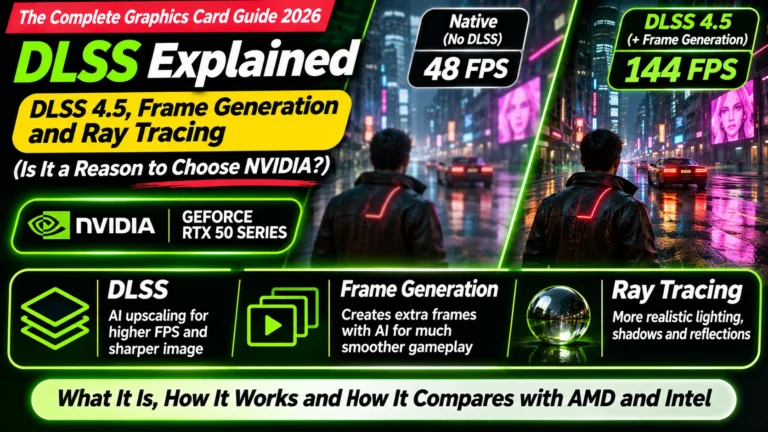
Ray tracing (realistic lighting and reflections) is the most demanding setting of all. If you love it, NVIDIA cards are noticeably stronger here. If you usually switch it off, AMD gives you more frames per rupee.
👉 More on ray tracing and upscaling: Article 20: DLSS Explained
Step 3: don’t let your processor hold the card back
A bottleneck happens when one part of your PC is too slow to keep up with another. In gaming, the most common one is the processor (CPU) failing to prepare frames fast enough for the graphics card. The card then sits waiting, and you don’t get the speed you paid for.
Bottlenecks are most likely when:
- you play at 1080p (the graphics card finishes each frame quickly, so the processor becomes the limit)
- you chase very high frame rates in esports games
- your processor is several generations old (for example, a 4-core chip from 2017)
At 1440p and 4K, the graphics card does more work per frame, so the processor matters less.
My rule of thumb: a mid-range card like the RX 9070 or RTX 5070 pairs well with any modern 6-core or better processor from the last few years (such as an Intel Core i5-12400 or newer, or an AMD Ryzen 5 5600 or newer). If your processor is older than that, consider upgrading it before, or alongside, the graphics card.
NVIDIA or AMD: who makes the best graphics card for gaming?
For pure gaming value in 2026, AMD. In our own head-to-head comparisons, the Radeon cards matched or beat their GeForce rivals in normal games for noticeably less money:
- RX 9070 vs RTX 5070: the RX 9070 was about 8% faster in standard games and has 16 GB of memory instead of 12 GB (RTX 5070 vs RX 9070)
- RX 9070 XT vs RTX 5070 Ti: almost the same frame rates for much less money (RTX 5070 Ti vs RX 9070 XT)
- RX 9060 XT 16 GB vs RTX 5060 Ti 16 GB: the GeForce is about 6% faster at 1440p, but costs far more (RTX 5060 Ti 16GB vs RX 9060 XT 16GB)
Choose NVIDIA instead if: – you play lots of games with heavy ray tracing – you value DLSS, NVIDIA’s AI upscaling, which appears in more games than AMD’s equivalent – you also stream, edit videos or use AI tools, where NVIDIA is the safer choice (see Article 5: Best Graphics Card for Video Editing and Article 6: Best GPU for AI)
Best graphics card for gaming: my picks
These picks are for buyers in India, as of November 2026. Indian prices are swinging weekly, so check today’s price before buying; Article 2: GPU Buying Guide India 2026 has current price bands.
Entry 1080p and esports: AMD RX 9060 XT 8 GB or NVIDIA RTX 5050
For: 1080p gaming, esports titles, tight budgets.
Our RTX 5060 vs Arc B580 vs RX 9060 XT 8GB comparison picked the RX 9060 XT 8 GB for the most 1080p performance per rupee. If you’d rather have NVIDIA, the RTX 5050 is the cheapest worthwhile GeForce, and it’s easier to find in India than Intel’s Arc B570 (RTX 5050 vs Arc B570). With 8 GB, expect to lower texture settings in some new games.
Check RX 9060 XT prices · Check RTX 5050 prices
Best budget card: AMD RX 9060 XT 16 GB
For: 1080p at high refresh rates and light 1440p gaming.
The pick for most budget gamers. It has 16 GB of memory, so it won’t run short in newer games, and in India it has cost far less than the RTX 5060 Ti 16 GB.
Best for most gamers (1440p): AMD RX 9070
For: 1440p at 144 Hz, the sweet spot for most gamers.
Faster than the RTX 5070 in standard games, with 16 GB of memory, and it was among the better-value cards in India in late 2026. Needs a 650 W power supply.
High-refresh 1440p and entry 4K: AMD RX 9070 XT (or RTX 5070 Ti for ray tracing)
For: 1440p at 165 Hz and above, and 4K with upscaling.
The RX 9070 XT delivers nearly RTX 5070 Ti frame rates for much less. If heavy ray tracing is your thing, the RTX 5070 Ti is the stronger card and was Tom’s Hardware’s top high-end pick in its October 2026 update (Tom’s Hardware), but it has been very expensive in India. Both need a 750 W power supply.
Check RX 9070 XT prices · Check RTX 5070 Ti prices
4K gaming: NVIDIA RTX 5080
For: 4K at high settings, and very high frame rates at 1440p.
Our RTX 5090 vs RTX 5080 comparison picked the RTX 5080 for 4K: in TechPowerUp’s 25-game test it averaged 84.5 FPS at 4K at maximum settings without upscaling, and DLSS lifts that much higher. Needs an 850 W power supply.
No limits: NVIDIA RTX 5090
The fastest gaming card there is: about 54% faster than the RTX 5080 at 4K (130.4 vs 84.5 FPS in TechPowerUp’s test), but at roughly three times the price. Only for those who want the absolute best, or who also need its 32 GB for AI.
For gamers who also stream or edit: NVIDIA RTX 5070
If you game and stream on Kick or YouTube, edit videos, or use AI tools, the RTX 5070 is the better all-rounder despite being slightly slower than the RX 9070 in games: NVIDIA Broadcast, its video engine and app support make the difference. See Article 8: Best GPU for Streaming.
A note for US and other readers
The same ranking applies outside India, but prices differ. In November 2026, US trackers showed the RTX 5070 Ti at roughly $1,100–1,500 and the RX 9070 XT at roughly $830–950, both far above launch prices. Tom’s Hardware noted the RX 9070 GRE was the only card still selling close to its launch price in 2026; it’s worth a look where it’s available, though I couldn’t find it listed in India.
Quick summary
- Match the card to your monitor: 1080p needs much less power than 1440p or 4K.
- Esports games are light; big open-world games and ray tracing are heavy.
- Avoid bottlenecks: pair a mid-range card with a modern 6-core or better processor.
- AMD gives the best gaming value in 2026; NVIDIA wins for ray tracing, DLSS and creator work.
- My picks: RX 9060 XT 16 GB (budget), RX 9070 (most gamers, 1440p), RX 9070 XT (high-refresh 1440p), RTX 5080 (4K), RTX 5070 (gaming plus streaming or editing).
What to look for on Amazon: checklist
- ☐ The card matches your monitor’s resolution and refresh rate
- ☐ 16 GB of memory if you play new AAA games at high settings or 1440p
- ☐ Your processor is modern enough not to bottleneck it
- ☐ Your power supply is big enough (see Article 4: Power Supply for Your Graphics Card)
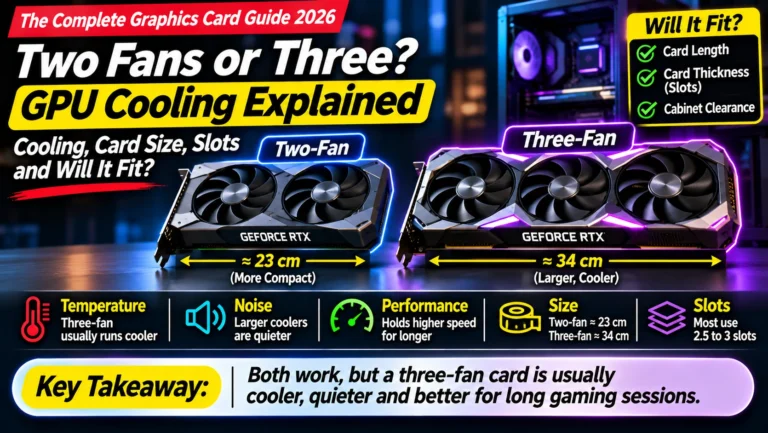
- ☐ The card fits your cabinet (length and thickness)
- ☐ It’s sold by Amazon, Appario or the brand’s official store, near its price history
Bottom Line
The best graphics card for gaming for most people in 2026 is the AMD Radeon RX 9070: excellent 1440p performance, 16 GB of memory and better value than its NVIDIA rival. On a budget, get the RX 9060 XT 16 GB; for high-refresh 1440p, the RX 9070 XT; for 4K, the RTX 5080. Choose NVIDIA over AMD only if you love ray tracing, rely on DLSS, or also stream, edit or run AI, in which case the RTX 5070 is the smarter all-rounder.
Sources
- Tom’s Hardware: best graphics cards for gaming in 2026
- Tom’s Hardware: GPU benchmarks hierarchy 2026
- Riot Games: Valorant minimum and recommended PC specs
- Corsair: GTA V Enhanced system requirements
- Top Tech Compare: RTX 5070 vs RX 9070
- Top Tech Compare: RTX 5070 Ti vs RX 9070 XT
- Top Tech Compare: RTX 5060 Ti 16GB vs RX 9060 XT 16GB
- Top Tech Compare: RTX 5060 vs Arc B580 vs RX 9060 XT 8GB
- Top Tech Compare: RTX 5050 vs Arc B570
- Top Tech Compare: RTX 5090 vs RTX 5080
Where next?
⬅️ Back to The Complete Graphics Card Guide 2026: see all 20 articles
➡️ Next: Article 8: Best GPU for Streaming
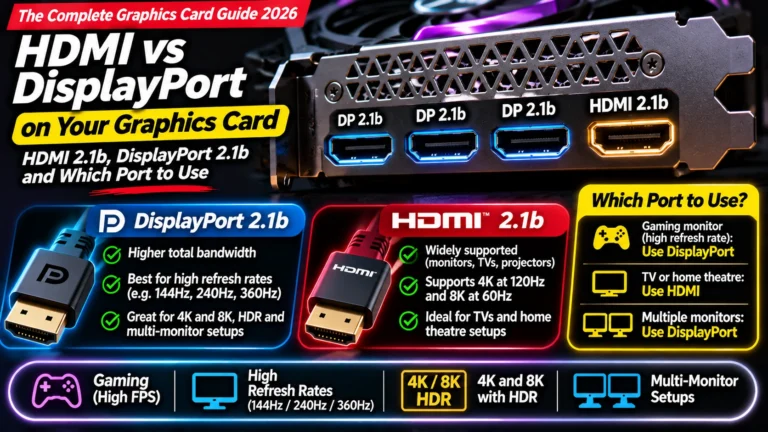
🔗 Related: – Article 2: GPU Buying Guide India 2026 – Article 3: How Much VRAM Do You Need? – Article 19: HDMI vs DisplayPort