
Smartphone Refresh Rate Explained: 60Hz vs 90Hz vs 120Hz vs 144Hz in 2026
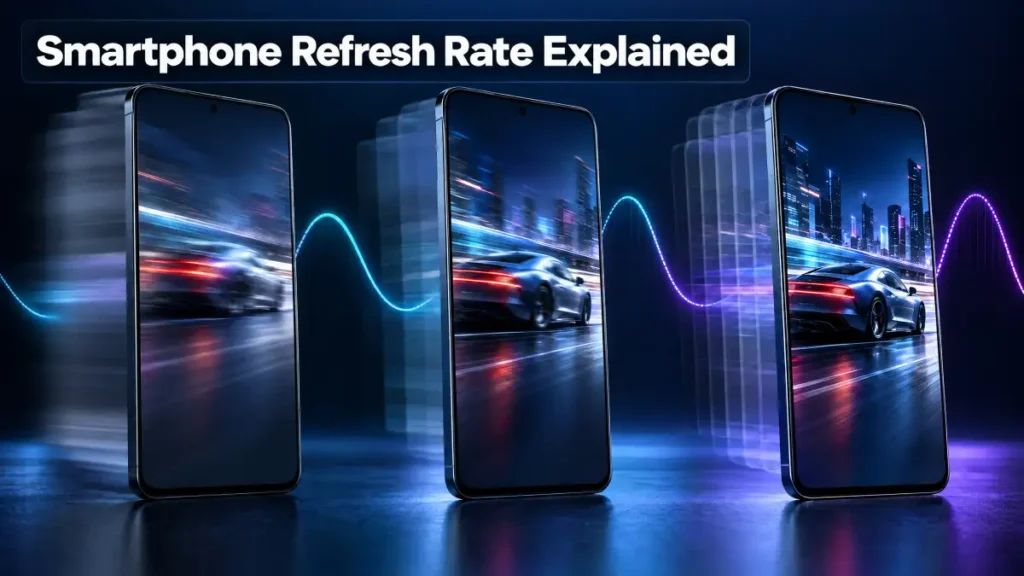
What refresh rate actually measures on a phone screen, how much battery high refresh rate really costs, and how adaptive LTPO displays fixed the trade-off.
Part of our Smartphone Chips and Displays: The Complete Buying Guide guide.
Refresh rate has become one of the first numbers people check on a phone spec sheet, right alongside camera megapixels and battery capacity. It sounds simple on paper — a screen updating a certain number of times per second — but the real-world impact of refresh rate on how a phone feels and how long it lasts on a charge is more layered than the marketing headline suggests.
What Refresh Rate Actually Measures
Refresh rate, measured in hertz, describes how many times per second a display redraws the image on screen. A 60Hz panel redraws sixty times a second, a 90Hz panel ninety times, and so on. Every smartphone display supports at least 60Hz, which was the unquestioned standard for years before 90Hz and then 120Hz panels started appearing on flagship and later midrange phones. A small number of dedicated gaming phones push as high as 144Hz.
Higher refresh rates make everything on screen look smoother, particularly during scrolling, swiping between home screens, and games that support high frame rates. Going from 60Hz to 90Hz produces a noticeable jump in perceived smoothness, and most people find that anything above 90Hz delivers real but progressively smaller improvements. The common experience, echoed across reviewer testing, is that once someone gets used to a 120Hz screen, going back to 60Hz feels sluggish even though the older panel worked perfectly fine before.
The Battery Trade-off Nobody Can Fully Avoid
A higher refresh rate is not free. Redrawing the screen more often takes more power, and testing has consistently shown the difference is real rather than theoretical. Reviewers have repeatedly measured meaningfully shorter screen-on time when a phone runs a fixed high refresh rate compared with 60Hz, and non-adaptive 144Hz panels can push consumption even higher since many of them still lack effective power-saving support.
How LTPO Displays Fixed the Trade-off
The industry’s answer to this problem is a display technology called LTPO, short for low-temperature polycrystalline oxide, which allows the refresh rate to change dynamically based on what the phone is actually doing. Instead of running at a fixed 120Hz all the time, an LTPO panel can drop down to single digits while someone is reading a static webpage or looking at a lock screen, then jump back up to 120Hz the moment scrolling starts or a game opens. In practice, most phones settle into a handful of common steps such as 10Hz, 24Hz, 60Hz and 120Hz rather than sweeping continuously through every value, but the effect is the same: the screen spends most of its time at a lower, power-sipping rate and only reaches for the maximum when motion actually calls for it.
This is why a modern flagship with an adaptive 120Hz panel can post battery life close to an older fixed 60Hz phone despite the much higher peak refresh rate. The gap that used to define high-refresh-rate phones as battery hogs has narrowed considerably in well-implemented adaptive panels compared with the much larger hit that non-adaptive displays still carry.
Refresh Rate Is Not the Same as Frame Rate
One detail that trips up a lot of buyers is assuming a 120Hz screen automatically means a game runs at 120 frames per second. Refresh rate is simply the display’s ceiling. The actual frame rate depends on whether the game itself supports a high frame rate mode and whether the phone’s processor and graphics hardware can push enough frames to fill that ceiling. A 120Hz display paired with a game capped at 30 frames per second brings zero smoothness benefit, since the screen is simply redrawing the same frame four times over.
Bottom Line
Refresh rate genuinely changes how a phone feels to use, and 90Hz or 120Hz is worth prioritizing for anyone who cares about smooth scrolling and gaming responsiveness. What matters just as much is checking whether the panel uses adaptive LTPO technology before assuming the higher number comes free. A fixed high-refresh-rate display costs real battery life, while a well-implemented adaptive one delivers most of the smoothness with only a modest trade-off.
Sources
- Android Authority, refresh rate explainers and battery testing
- DisplayMate Technologies, refresh rate and power consumption research
- Independent phone review battery benchmarks from major tech outlets
- Manufacturer LTPO display technology briefings
